


Work mode
This mode is designed primarily for use by the programmers of the GEOVIA Software. It allows access to master and work translation databases, and the functions required to perform editing operations on them. You must have at least a master file to run the software in this mode, but ideally you will have both file types. If you specify a directory for the work translation database where no work database exists, the work database will be created at the time of your first edit operation.
To run the software in this mode, the following command line can be used:
JAVA -classpath JAR com.surpac.mlt.TranslationEditor -w [MASTER DATABASE DIR] [WORK DATABASE DIR]
|
If you do not specify any required paths and files, any operations requiring one of the missing files will be disabled until a valid path is entered in the Paths panel.
Example
The following command line uses a specific installation of Java to open the Translation Manager in work mode, using a ssiclient.jar file included in a local development build, a master database extracted from CVS and a work database from a programmers work area:
C:\j2sdk1.4.2_05\java.exe -classpath
C:\work\v51\develop\share\java\ssiclient.jar
com.surpac.mlt.TranslationEditor -w C:\master\v51\src\include C:\work\mh20040325\src
|
Further technical information:
The work mode of the software looks like this:
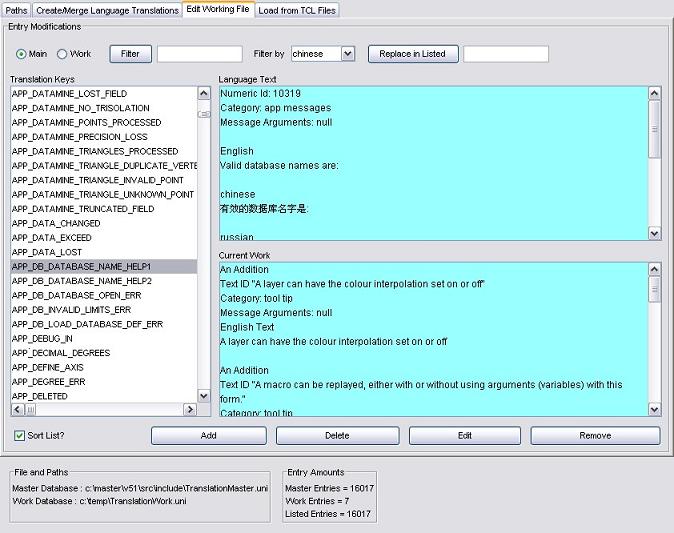
The work mode uses four of the five input frames, although the Create/Merge Language Translations frame is not as complete as the one in the Master Mode. For more information on how to use the Translation Manager software, please see: Using the Translation Editor