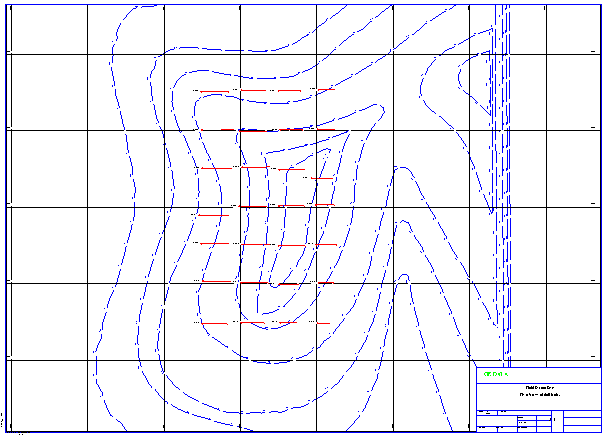
Plan view map of drillhole traces
Task: Create a plan view map of drill hole data
- Choose Plotting > Process > Map.
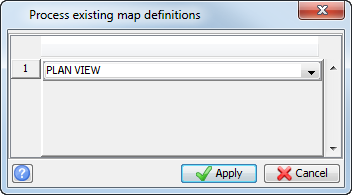
- Select PLAN VIEW, and click Apply.
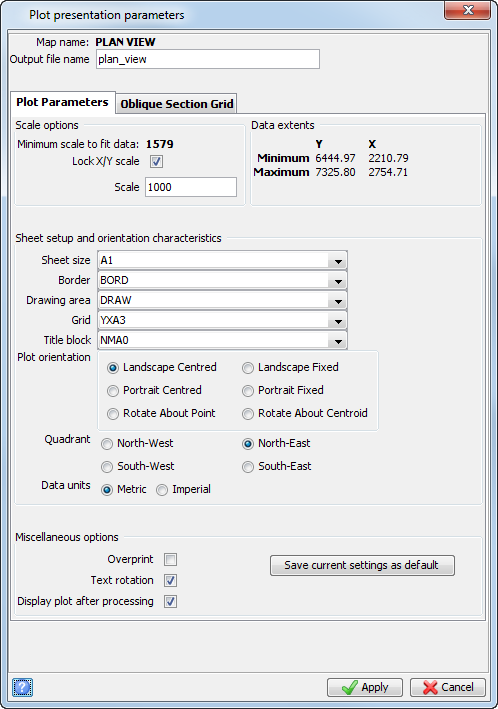
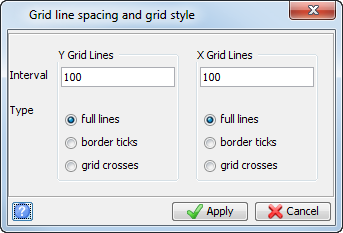
- Enter the information as shown, and click Apply.
- Enter the information as shown, and click Apply.
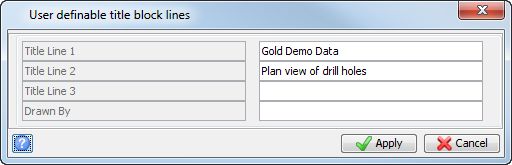
- Enter the information as shown, and click Apply.
The plot file will appear in the Plotting window as displayed.