Moving a Token to a Class
Being able to move a token class, enables you to manage the licences that you have better.
To move a token from an existing class to another class:
- Start Licence Manager.
- Choose Edit > Change Token Class.
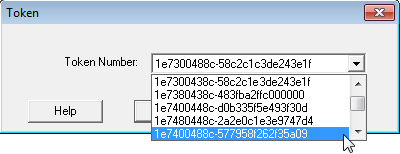
- Select the Token Number you want to reclassify, and click OK.
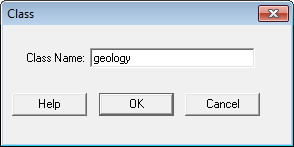
- In Class Name, type the name of the class to which you want to change the token, and click OK.
- Save the changes to the tokens file.