


Setting up the rig
Task: Perform rig setup
- Click Reset graphics
 .
. - Choose Ring design > Start ring design.
- Enter the information as shown, and click Apply.
- Choose Setup > New rig.
- Enter the information as shown, and click Apply.
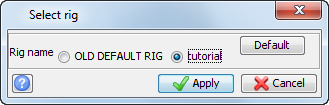
- Choose Setup > Select rig.
- Click tutorial, and then click Default.
- Click Apply.
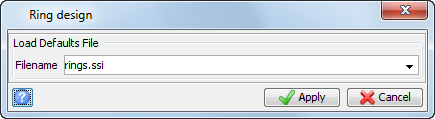
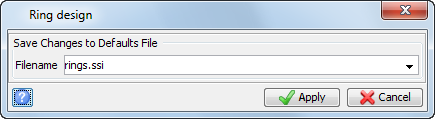
 Note: The default value of ssi_etc:rings.ssi would read values from a file in the ssi_etc: directory. In this example, you will store the data in a file named rings.ssi in the local data directory.
In the Status bar, the name of the default rig is displayed. If you are using ring design for the first time, OLD DEFAULT RIG is displayed.
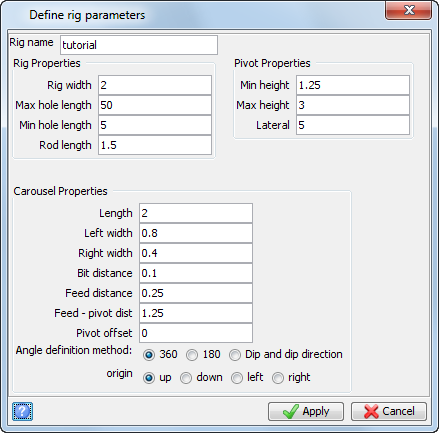
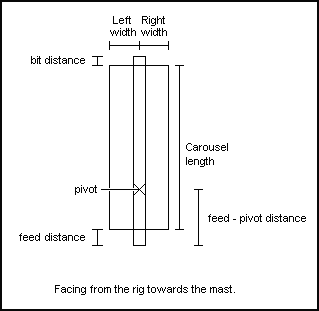
The diagram below shows how the parameters entered in the previous form relate to the rig you are creating.
The tutorial rig is set as the default rig the next time you invoke ring design.
The rig name tutorial is displayed in the Status bar.

Task: Set drilling parameters
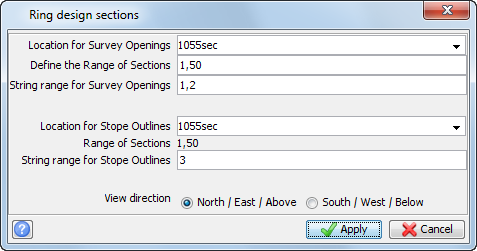
- Choose Ring design > Open section files of stopes and openings.
- Enter the information as shown, and click Apply.
- Click Next section
 until you get to section 9.
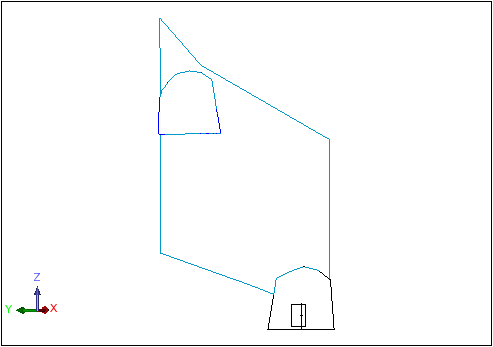
 - Choose Setup > Rig position.
- Click near the lower drive, then near the stope.
- Choose Setup > Drilling parameters.
- Enter the information as shown, and click Apply.
- Choose Ring design > Save ring design settings.
- Enter the information as shown, and click Apply.
The first section is displayed.
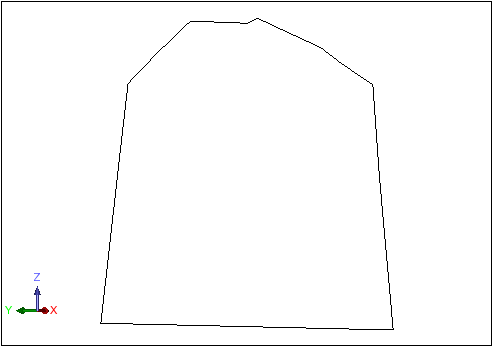
Note: The information on the Status bar changes each time you click Next section.

Note: When using Next section and Previous section , the view presented in Graphics will always be perpendicular to each section.
The rig is positioned in the lower drive as displayed.
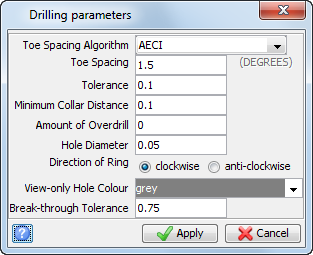
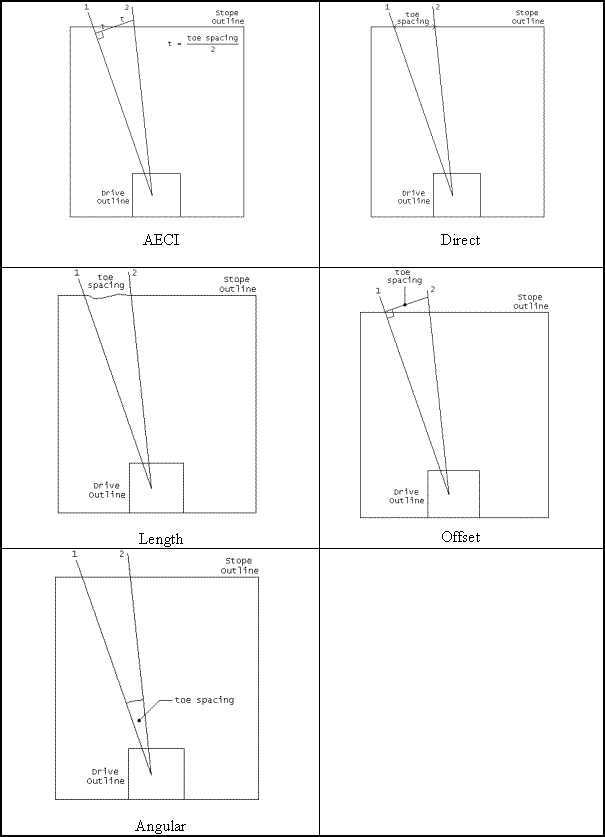
Diagrams representing the Toe spacing algorithms are displayed below. The toe spacing is a unit of measure (metres or feet) for all algorithms except for angular. When the angular toe spacing algorithm is selected, the toe spacing is in defined in degrees.
Note: To see all of the steps performed in this chapter, run
03_setup.tcl. You need to click
Apply on any forms presented.