


Display Menubar and Toolbar
Task: Display Menus and Toolbars
- Right-click in the area to the right of the menus.
- Select Profiles, and then ringdesign.
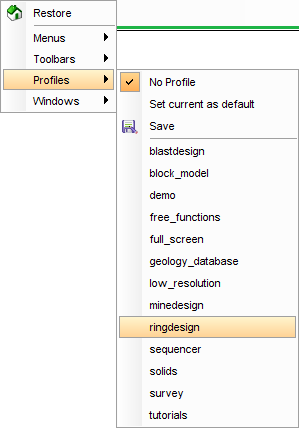
The ring design menubar and toolbar are displayed.
