


Moving the mast
Task: Use a centreline string as a reference line
 Note: To perform the steps in this task, you must have either:
- completed the previous task Setting up the rig
- run macro 03_setup.tcl
- Open cl1.str in Graphics.
- Choose View > Zoom to extent of current section.
- Zoom in on the drive where the rig is positioned.
- Choose Move mast > By graphics.
- Practice moving the mast by clicking and dragging it around in Graphics.
- Press ESC.
- Choose Setup > Select reference line for offsets.
- Click the centreline string.
- Click and drag the cursor in Graphics to view the data as shown.
- Choose View > Zoom to extent of current section to return to a view perpendicular to this section.
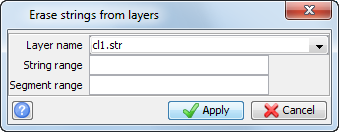
- Choose Display > Hide strings > In a layer.
- Enter the information as shown, and click Apply.
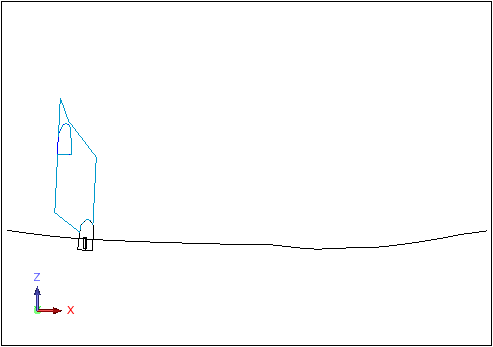
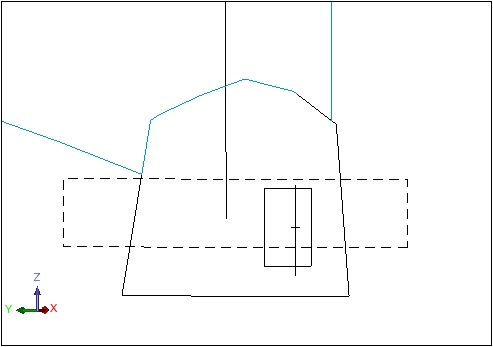
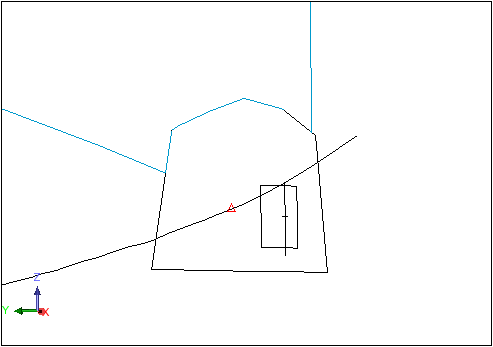
After selecting the reference centreline, the point where the centreline intersects the plane of the section is marked with a small red triangle. A reference distance and direction is now stored for every hole drilled on this section.
Task: Move and rotate the mast
- Choose Move mast > By coordinates.
- Enter the information as shown, and click Apply.
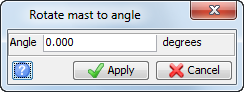
- Choose Rotate mast > To angle.
- Enter the information as shown, and click Apply.
- Choose Rotate mast > By angle.
- Enter the information as shown, and click Apply.
- Choose Rotate mast > By graphics.
- Click and drag in Graphics to move the mast around, then release to leave the mast in a new location.
- Press ESC.
- Choose Rotate mast > To point.
- Click a point in Graphics.
- Choose Move mast > By coordinates.
- Enter the information as shown and click Apply.
- Choose Rotate mast > To angle.
- Enter the information as shown, and click Apply.
- Choose Move mast > By distance.
- Enter the information as shown, and click Apply.
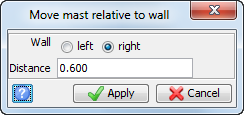
- Choose Move mast > From wall.
- Enter the information as shown, and click Apply.
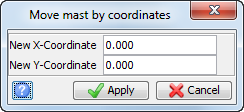
The mast is moved so that its pivot point is on the centreline. By selecting a reference line, you have set up a coordinate system within the plane of the section that has an origin at the point where the centreline pierces the section. This coordinate system is used only for positioning the rig, and for reporting the rig pivot point position relative to the centreline.
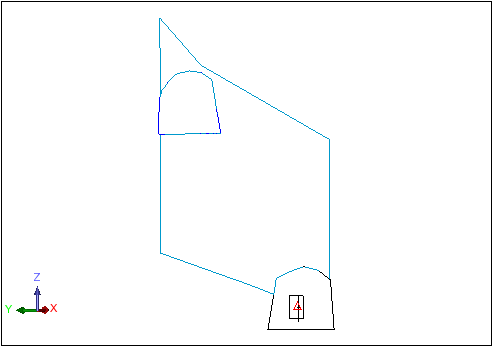
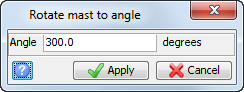
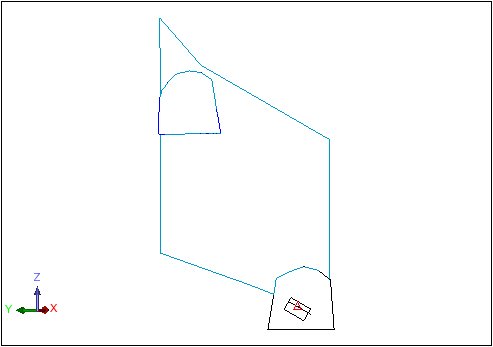
The mast is rotated to an angle of 300 degrees.
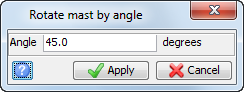
The mast is rotated clockwise from its current orientation by 45 degrees.
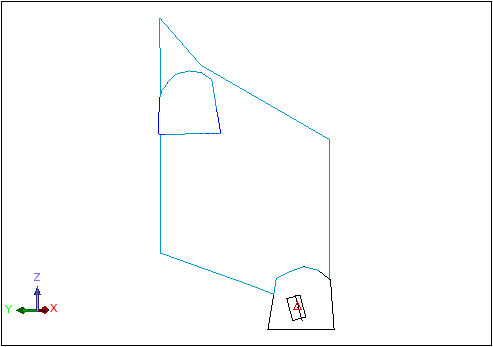
The mast is moved to the centreline.
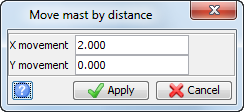
The mast is displayed in the following orientation.
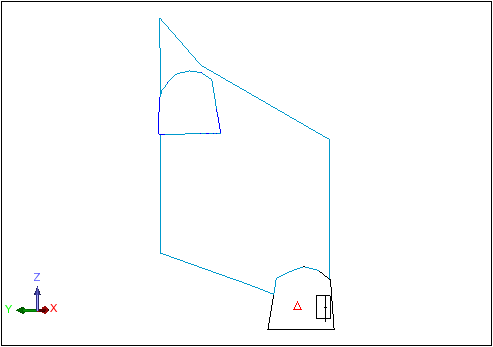
Note: The distance shown will change when you select the left or right radio button. This is the horizontal distance in the plane of the section, from the pivot point to the point on the wall.
Leave the mast in this position for use in the next section, Creating and reporting holes.
Note: To see all of the steps performed in this chapter, run
04_move_mast.tcl. You need to click
Apply on any forms presented.