Task: Slice by stopes
This procedure shows you have you can slice a solid vertically to create stopes. You can use planes or a centreline to define the stopes. This example uses a centreline.
- Click Reset Graphics.
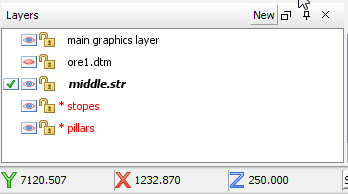
- Open middle.str.
- Open ore1.dtm in Graphics.
- In the function chooser, type STOPE SLICER, and press ENTER.
- Click Select, and select the ore body.
- For the Slice option, select Stopes only.
- For the Stope method, select Centreline and length.
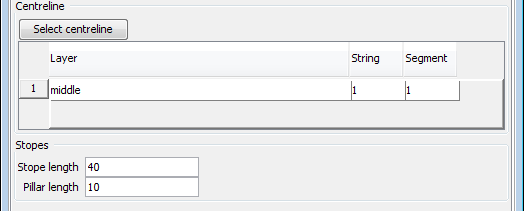
- Click Select centreline.
- In Stope length, type 40.
- In Pillar length, type 10.
- Click Apply.
The ore body is displayed in plan view. The elevation of the centreline is greater than the elevation of the ore. The centreline does not need to be draped over the ore body.


The ore body is sliced, and the Layer Manager shows two new layers: one for the stopes and one for the pillars.