Task: Save and edit a stope design project
When you save a stope design project (.sdproj file), you also save a .swa file that records details like the files that are open, and any block model constraints or colouring that you have applied. When you reopen the .sdproj file, the .swa file is also opened.
- Click the Save icon
 on the Underground Design toolbar to save the stope design project.
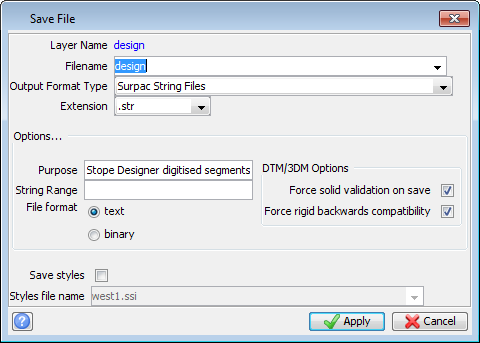
 - Click Apply in the Save File form.
- Click the End Stope Design icon
 on the Underground Design toolbar.
 - Reset Graphics and close the Training block model.
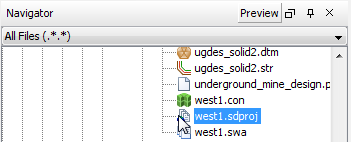
- Drag west1.sdproj from the Navigator to Graphics.
- Click the Modify Stope Design icon
 on the Underground Design toolbar.
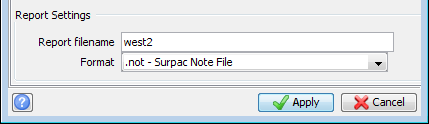
 - Change Report filename to west2, and click Apply.
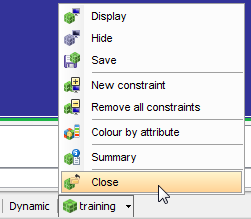
When you reset Graphics, the default, dynamic plane is activated. If you display any files, the data is not constrained to a particular plane and you have a 3D view of the data.
The stope design project, and the west1.swa file are opened. The sd1\7130n plane is activated.
You can modify any of the stope design settings at any time. With this data set, the final plane, 7570n, contains only one block that is within the constraint, so you will set End plane to the previous plane, 7530n.