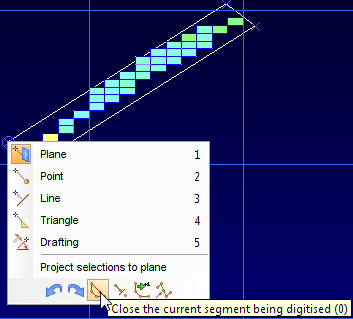
Task: Digitise stope outline
Using the following procedure, you will digitise a string of the stope outline in section view. When you started stope design, the Working layer field was set to design. This new layer is listed in the Layer Manager.
These steps show you a quick way to create a polygon representing the outline of the stope.
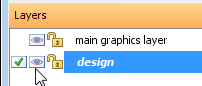
- In the Layer Manager, make sure the design layer is not hidden but is set to visible.
- In the Digitise toolbar, click Create new points using the mouse, and digitise points around the block model.
- When you have finished digitising the polygon, right-click, and choose Close the current segment being digitised.
- Press ESC.

You are viewing the data in section view so a 45 degree line represents a 45 degree stope gradient.