


Creating a streaming file
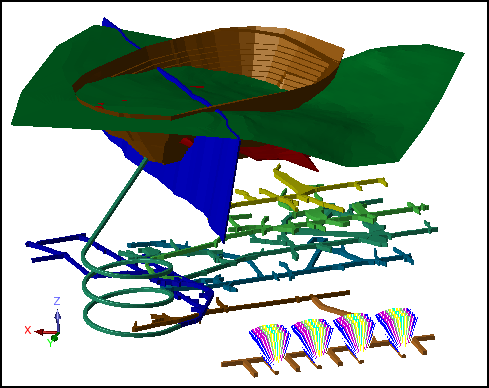
Task: Display the data set in Graphics
- Open project.swa.
DTMs and string files are displayed.
Task: Export a streaming file
- Choose File > Save to Stream Control.
- Enter the information as shown, and click Apply.
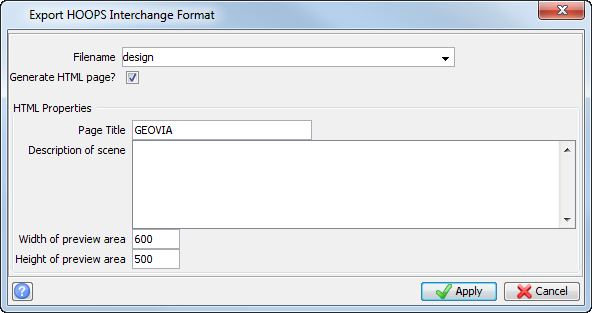
 Note: Two files are created in the working directory design.hsf and design.html.