


Viewing solids
Task: Change solid display properties
- Click Reset graphics
 .
. - Open pit1.dtm in Graphics.
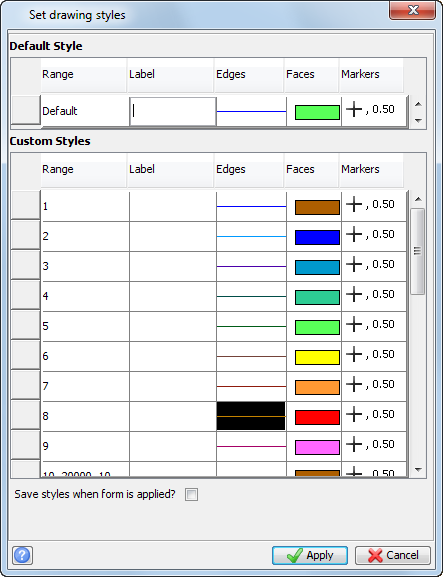
- Choose Customise > Display properties > DTM’s and 3DM’s.
- Click Faces for Object 1, and then click Properties.
- Choose a blue colour, and click Apply.
- Open fault1.dtm in Graphics.
- Choose Customise > Display properties > DTMs and 3DMs.
- Click Faces for object 10, and then click Properties.
- Choose an orange colour, and click Apply.
- Open mod12.dtm in Graphics.
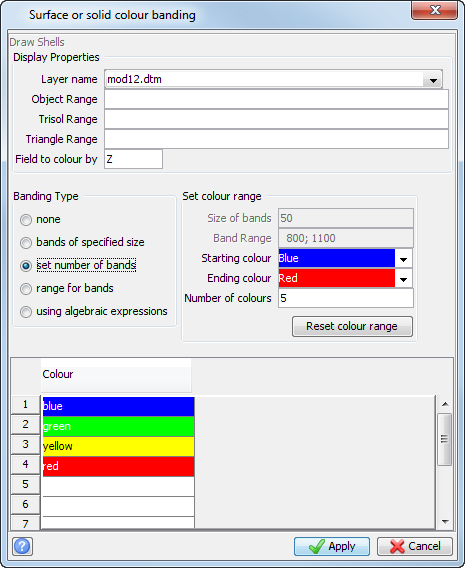
- Choose Display > Surface or solid with colour banding.
- Enter the information as shown, and click Apply.
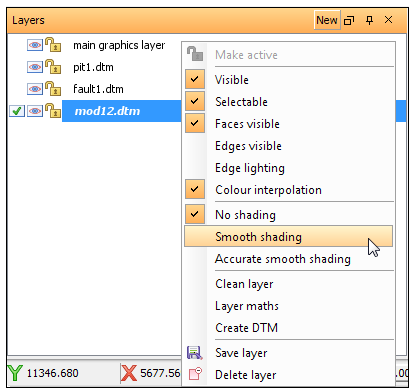
- Right-click on the file mod12.dtm in the Layers pane.
- Select Smooth shading.
The pit is displayed.
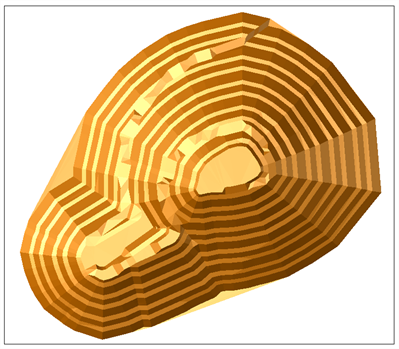
The pit and fault line are displayed.
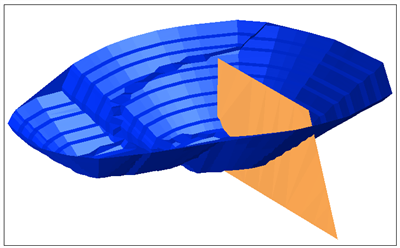
The changes are reflected in the active layer; the pit remains the same colour.
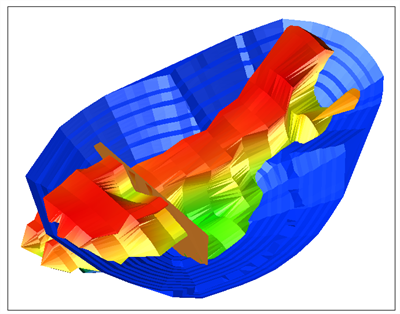
The solid, the pit, and the fault are displayed.
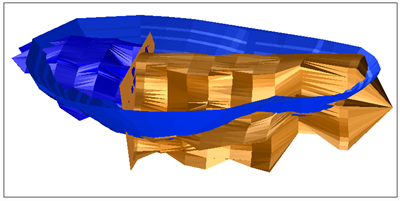
The solid with sharp colour banding is displayed.
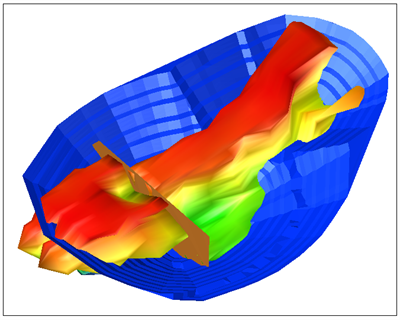
Next you will display the solid with smooth contours.
The solid with smooth colour banding is displayed.
 Note: To see all of the steps performed in this task, run _09_view_solid_model.tcl. You need to click Apply on any forms presented.