


Optimising trisolations
Task: Optimise trisolations
- Click Reset graphics
 .
. - Open corrected_solid_1.dtm in Graphics.
- Choose Solids > Edit trisolation > Optimise.
- Click anywhere on the object.
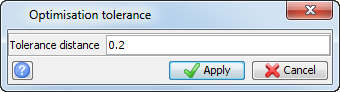
- Enter the information as shown, and click Apply.
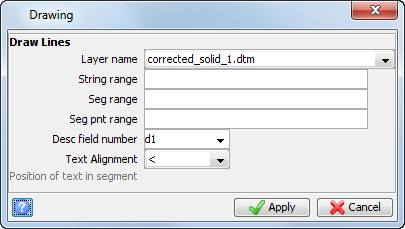
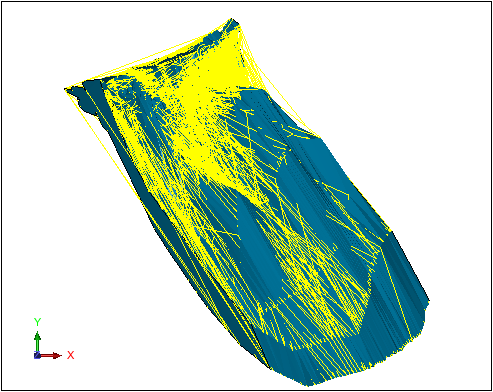
- Choose Display > Strings > As lines.
- Enter the information as shown, and click Apply.
- Choose Solids > Edit trisolation > Delete redundant points.
- Click Apply on the form presented.
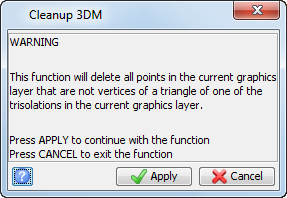
202, or 7.14%, of the points in the solid are deleted.
 Note: To see all of the steps performed in this task, run
_13_optimise_trisolation.tcl. You need to click Apply on any forms presented.
Note: To see all of the steps performed in this task, run
_13_optimise_trisolation.tcl. You need to click Apply on any forms presented.