


Intersecting drill holes with solid models
Task: Intersect drill holes with solid models
- Click Reset graphics
 .
. - Open mod12.dtm in Graphics.
- Open solids.ddb.
- Choose Database > Display > Drillholes.
- Accept the default values, and click Apply.
- Accept the default values, and click Apply.
- Choose Database > Analysis > Drillhole 3DM intersection.
- On the blank constraint form, click Apply.
- Enter the information as shown, and click Apply.
- Close intersect.not.
- Choose Database > Edit > View table constrained.
- Enter the information as shown, and click Apply.
- Enter the information as shown, and click Apply.
- Enter the information as shown, and click Apply.
- Click Apply on the form.
- Choose Database > Database > Close.
- Turn Faces Off and rotate the data to see the intersections clearly.
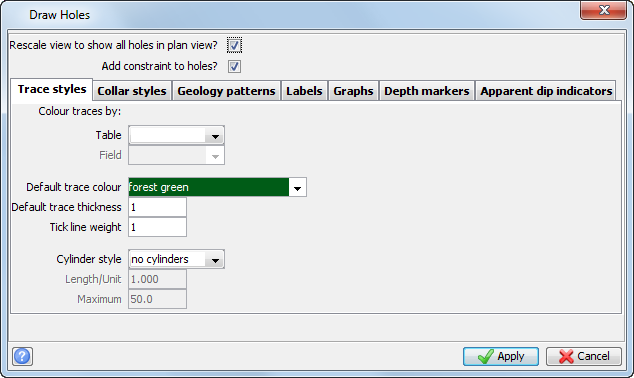
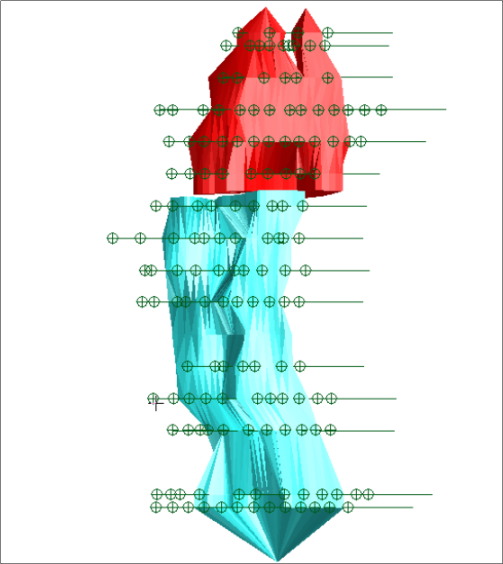
The solid with drillholes is displayed.
The database has an optional table called Intersect, where you will store the results of this processing.
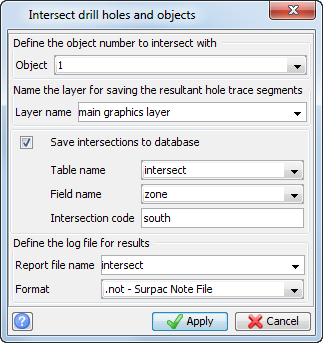
The table called Intersection within the database now contains a field called zone, in which a character code south has now been stored.
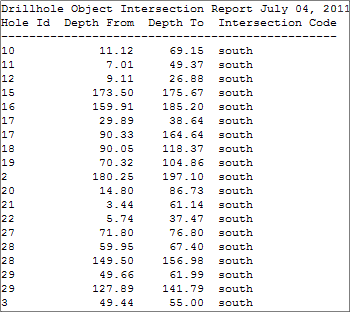
The Drillhole Object Intersection report is displayed.
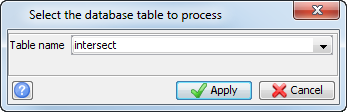
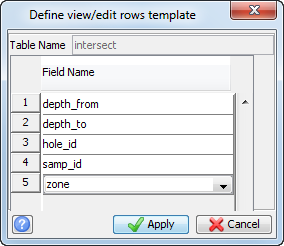
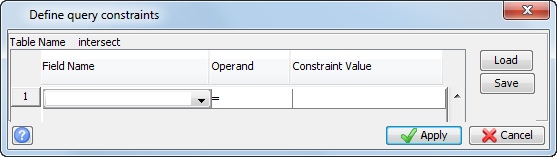
The intersections will be displayed.
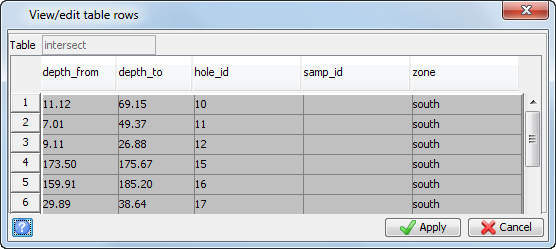
 Note: You can also view the results in the intersection table in the geological database.
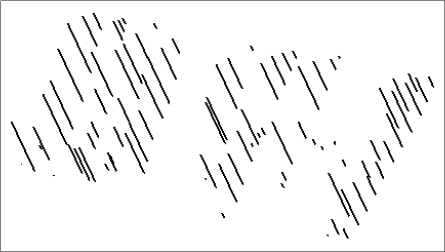
The drillhole trace is displayed.
Note: To see all of the steps performed in this task, run
_12_intersect_drillholes_solids.tcl. You need to click Apply on any forms presented.