


Editing solids
Task: Renumber an object and trisolation
- Click Reset graphics
 .
. - Open mod8.dtm in Graphics.
- Choose Solids > Edit trisolation > Renumber.
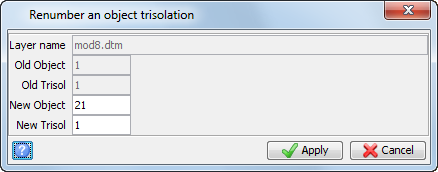
- Click the trisolation in the lower part of the solid, enter the following information to renumber all the trisolations south of the fault to Object = 21, Trisolation = 1, and click Apply.
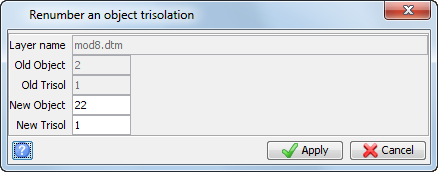
- Click the trisolation in the upper part of the solid, enter the following information to renumber all the trisolations north of the fault to Object = 22, Trisolation = 1, and click Apply.
- Press ESC.
- Save the file as mod8.dtm
 Note: This function allows you to renumber a trisolation by pointing to and clicking on triangles.
You will see two objects displayed on the screen.
Note: If you want to run manually through the material again, you will need to copy
original_mod8.dtm, and save it as
mod8.dtm.
Note: To see all of the steps performed in this section, run
_06_edit_solid.tcl. You need to click Apply on any forms presented.