


DraftSight tasks
Task: Sending a drillhole section plot to DraftSight using Autoplot
When you use Autoplot, and the default plot editor is DraftSight, the plot is opened in DraftSight automatically.
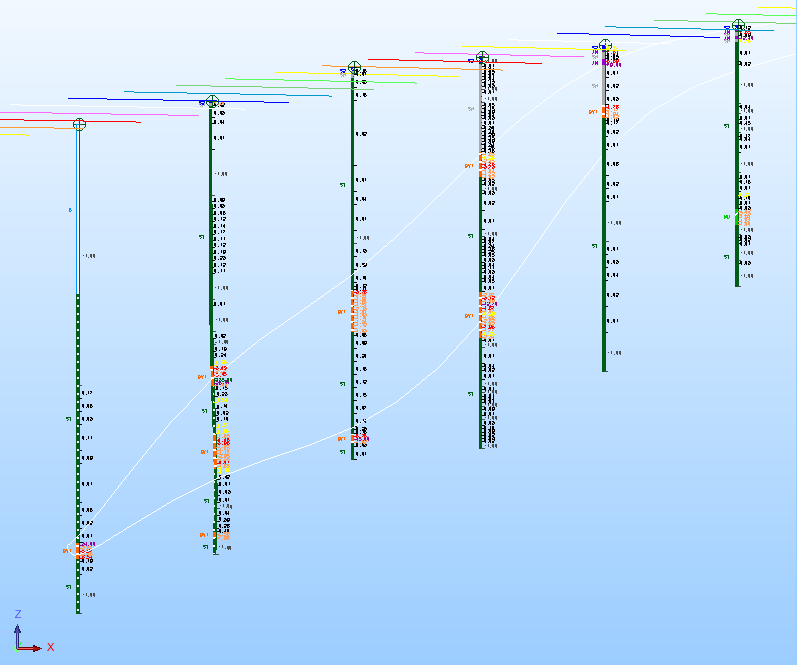
- Drag section_7320_north.swa into Graphics.
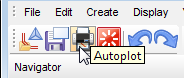
- Click Autoplot on the toolbar in the top left of the Surpac window.
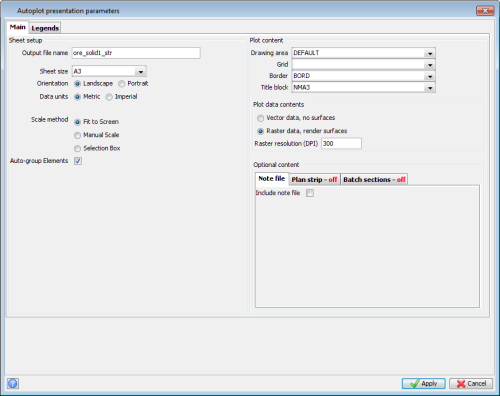
- In the Autoplot presentation parameters form, for Scale method, select Fit to Screen, and for Raster resolution type 300, and then click Apply.
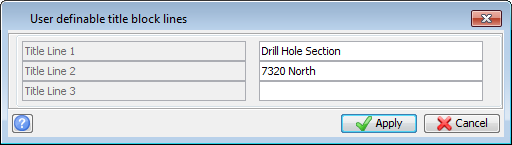
- In the User definable title block lines form, type some text to appear in the title block.
- Click Apply.
- A .dwf file that shows the section is created and opened in DraftSight.
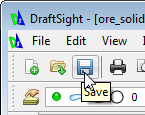
- Click the Save icon.
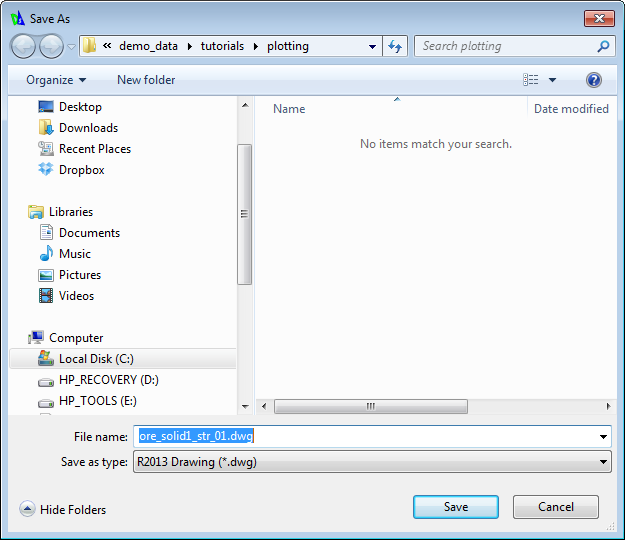
- In the Save As form, click the Save button .
By default, the file is saved as a .dwg file, which is a more flexible file format than .dwf.
 Note: If DraftSight was minimised or open behind another window, it is not automatically displayed on top of other windows. You might need to click the DraftSight object on the taskbar, or press ALT+TAB to display DraftSight in the foreground.