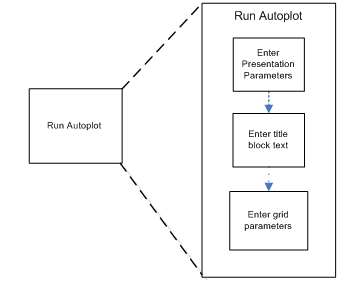
Plotting with Autoplot
Workflow
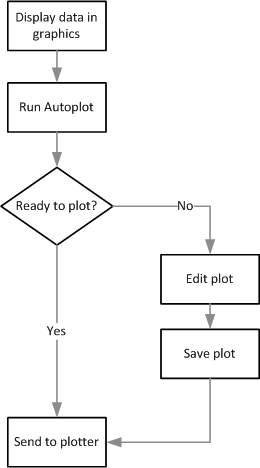
There are two mandatory steps to create a plot file with Autoplot:
- Display the data you want to plot.
- Run Autoplot, and specify parameters such as sheet size, and scale.
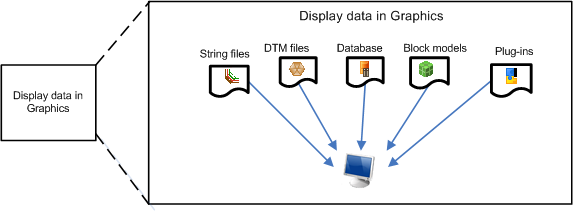
String styles, colour, marker styles and text are all plotted in the same way that they are displayed in Graphics.