


Loading the blast database
Task: Load sample intervals into a database
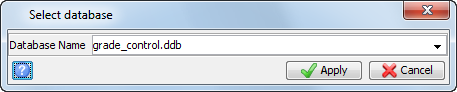
- Choose Database > Open database.
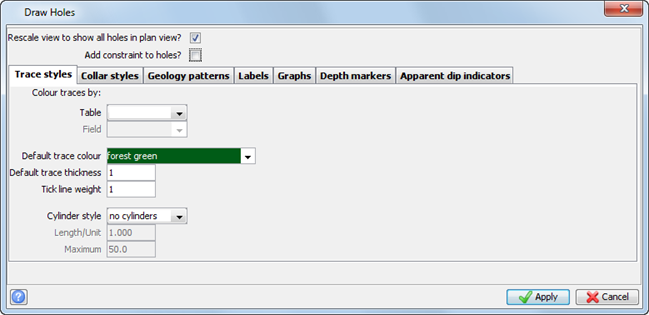
- Enter the information as shown, and click Apply.
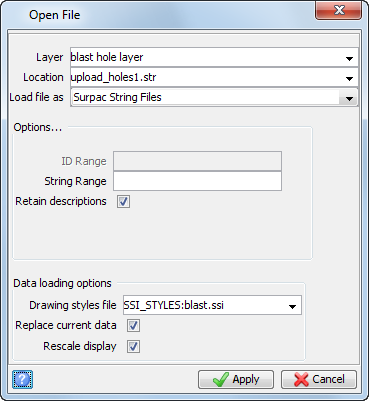
- Choose File > Open > String/DTM file.
- Enter the information as shown, and click Apply.
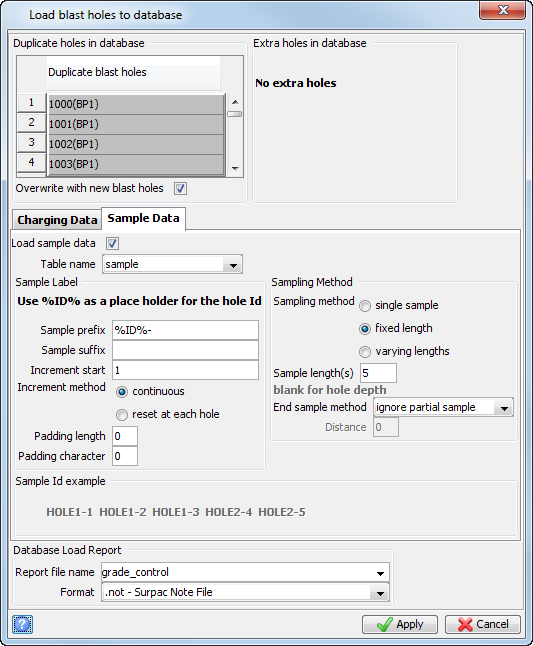
- Choose Database > Upload blast holes into database.
- Click the Sample Data tab,enter the information as shown, and then click Apply.
- Enter the information as shown, and click Apply.
- Open grade_control.not.
 Note: Make sure you are using the blastdesign
Database menu and not the
Geological database menu.
Note: Make sure you are using the blastdesign
Database menu and not the
Geological database menu.
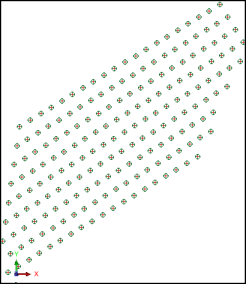
The blast pattern is displayed.
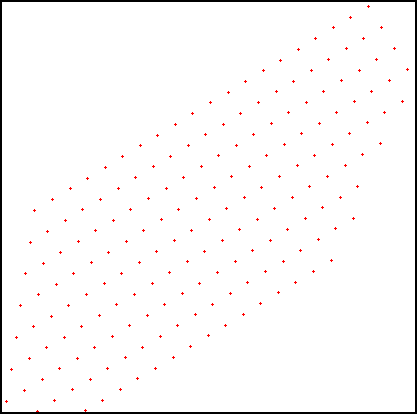
The holes are displayed.
The report is displayed.
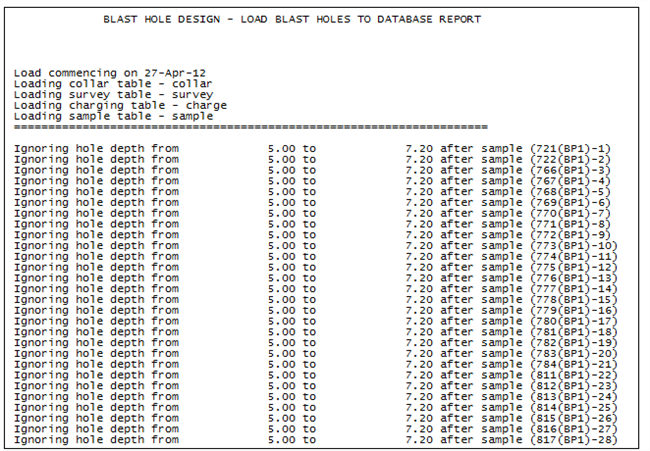
This report indicates that the data was loaded successfully, and that any partial sample increments at the end of the hole were disregarded.
Note: To see all of the steps performed in this task, run macro 07_blast_database.tcl. You need to click Apply on any forms presented.