Interpolator concepts
Task: Review information in the Surpac help
- Start Surpac.
- Choose Help > Table of Contents.
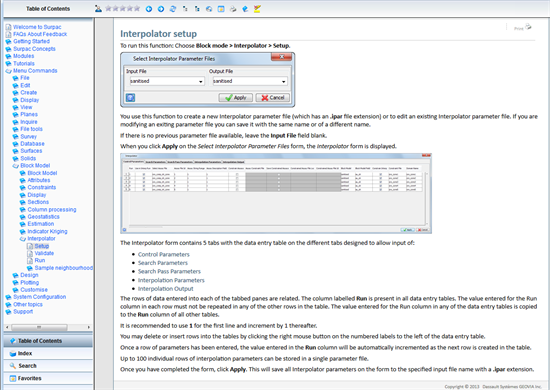
- From the Table of Contents choose Menu Commands > Block Model > Interpolator > Setup.
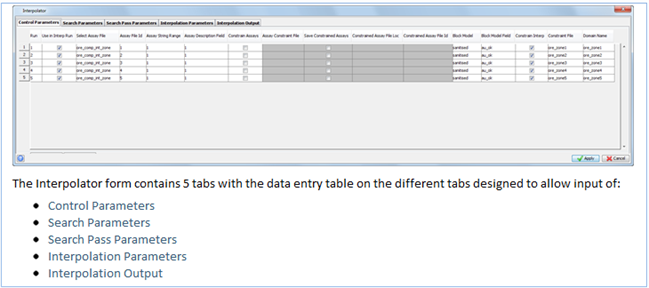
- On the Setup page, scroll down to the links detailing each of the tabs on the Interpolator form:
- Click each of these links, and review the information on each page.
- Click each of the remaining Interpolator items in the Table of Contents, and review the information on each page.
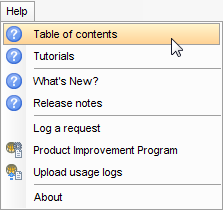
The help opens.