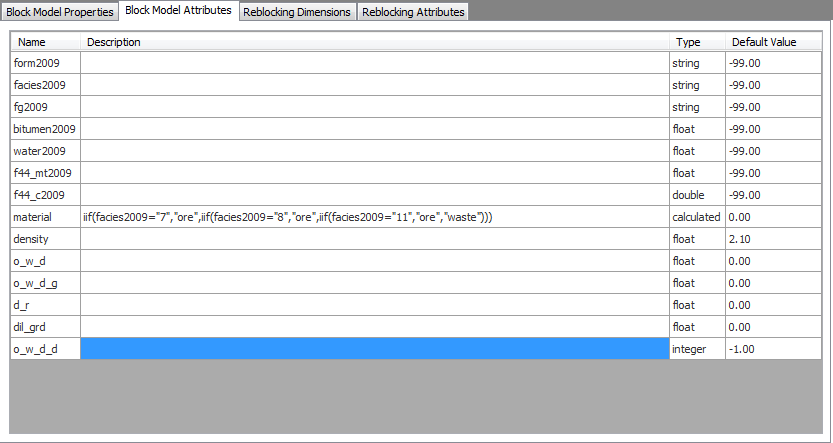



View properties and attributes of block models
You can view the properties and attributes of a block model when you open block model data or reblock an existing block model.
You can view details about the block model in the Block Model Properties tab.
 Block Model Properties tab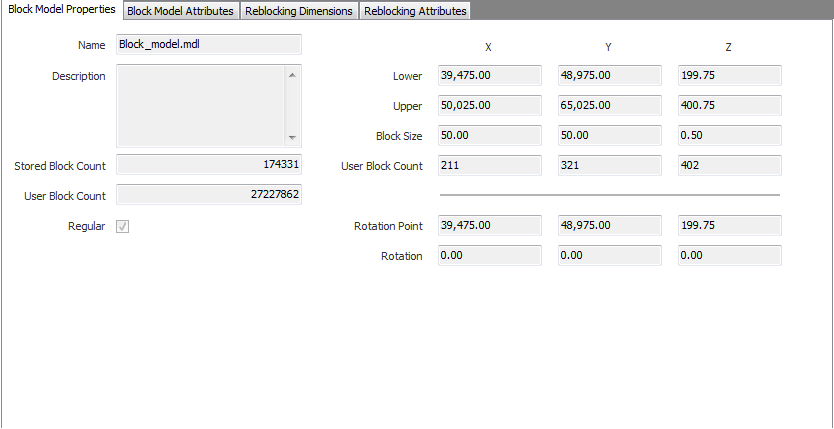
 Note: The difference between the User Block Count and the Stored Block Count is that the value of the (total) User Block Count is the number of blocks based on the user block size while the value of Stored Block Count is based on the physical size of the block model. The Stored Block Count uses superblocked values for a block model when all of its immediate neighbours have exactly the same value for all attributes in the model.
You can view details about the attributes of the block model in the Block Model Attributes tab.