Reacquire Your Licence
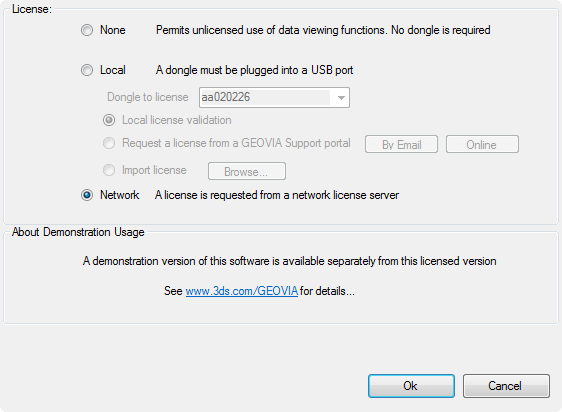
If the licence you were using is lost or revoked and you try to run another function, the Licence Type form appears. From the form, you can run the GEOVIA program without a licence or you can try to reacquire a licence.
- If you choose to run the GEOVIA program without a licence, you can save your work and attempt to reacquire a licence later. When you start Surpac and the Request a Licence in Surpac form appears, select None. If you want to get a licence later, choose File > Licensing > Change/Inspect Licence.
- If you try to reacquire a licence, but all licences are in use by others, the form reappears. You can then continue trying to access a licence using the form.
 Reacquire a Licence in Surpac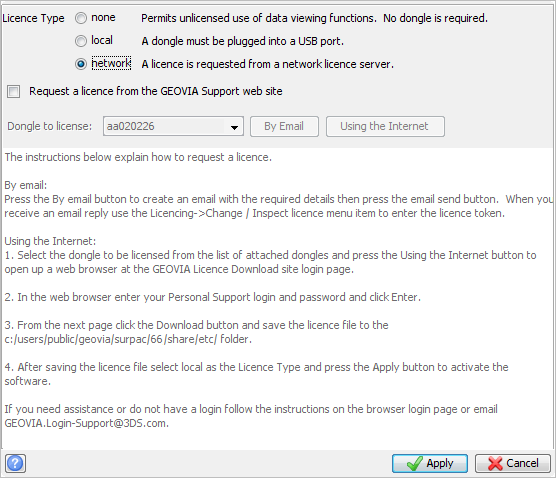
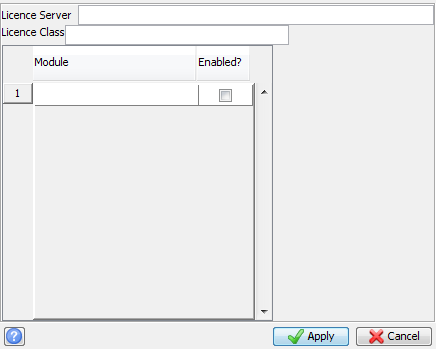
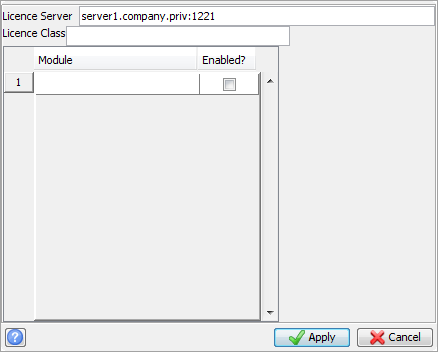
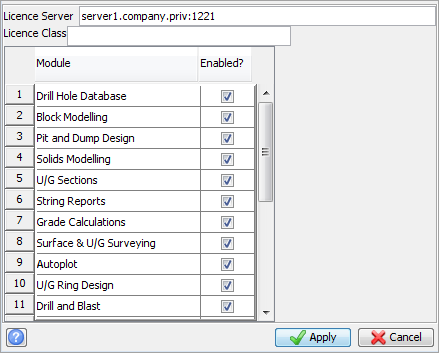
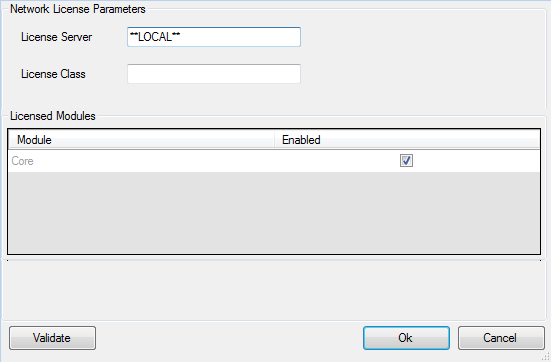
 Tip: If you do not receive a network licence, try specifying the UDP port, for example