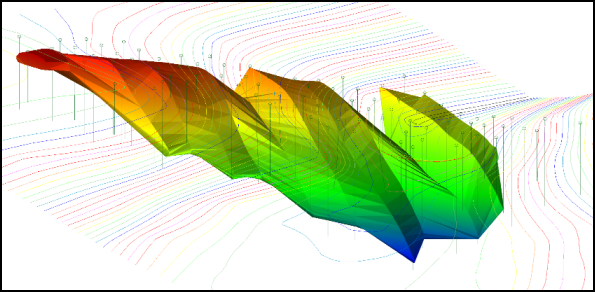
Example: Fix image quality in plot preview window
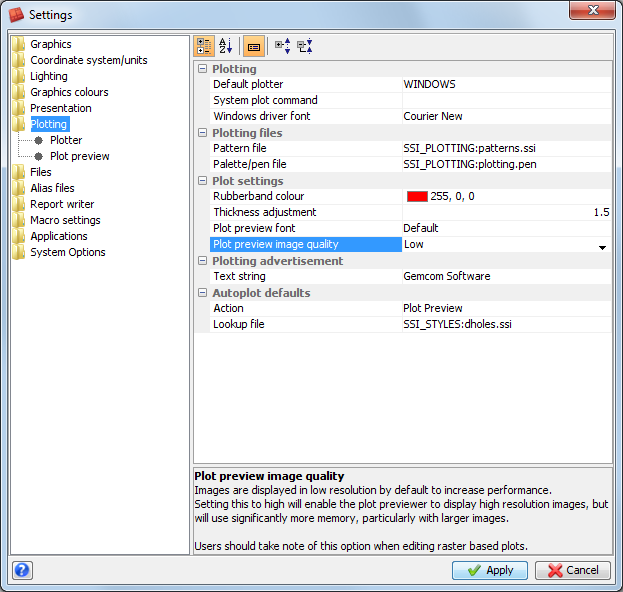
- Choose Customise > Default Preferences.
- Click on the Plotting folder.
- Click in the field for Plot preview image quality.
- Set the Plot preview image quality to High, and click Apply.
- Open three_dimensional_view.swa.
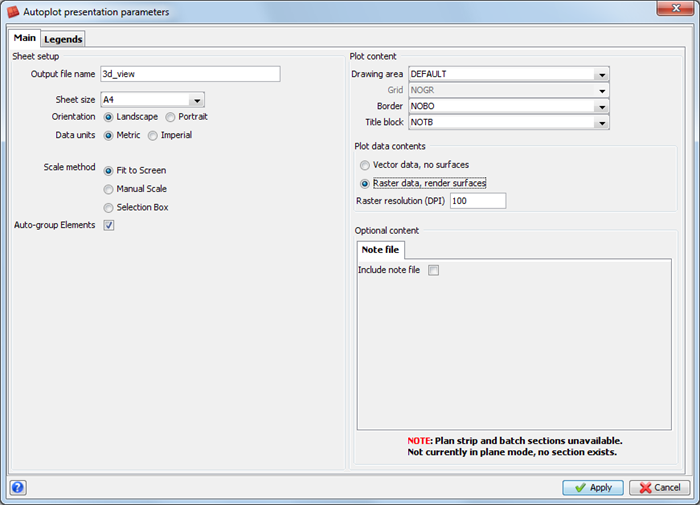
- Click the Autoplot icon
 .
. - Enter the information as shown, and click Apply.
- Choose File > Close.
- Click Reset graphics
 .
.
The Settings form is displayed.
The plot is displayed in the Plot Preview window. Notice the improvement in the quality of the image.