


Example: Create a three dimensional plot
- Open three_dimensional_view.swa.
- Click the Autoplot icon
 .
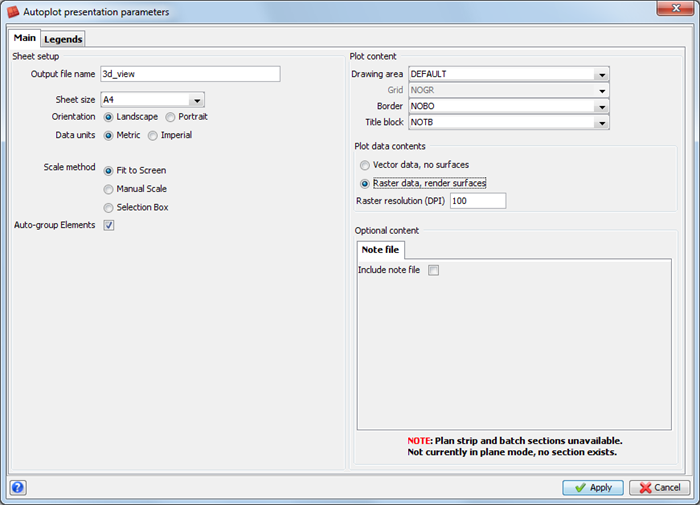
. - Enter the information as shown, and click Apply.
- To exit the Plot Preview window, choose File > Close
- Click Reset graphics
 .
.
The plot is displayed.
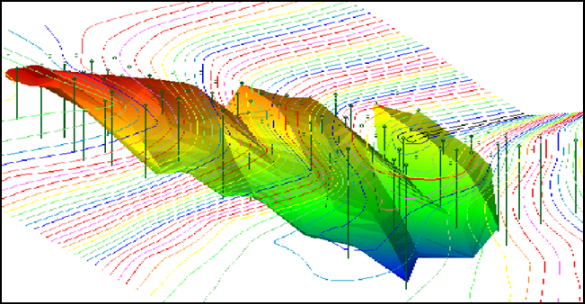
 Note: The image is of poor quality. This will be corrected in the next task.
Note: To see all of the steps performed in this section, run _01a_autoplot_3d.tcl. You will need to click
Apply on any forms presented.