Delete outside boundary
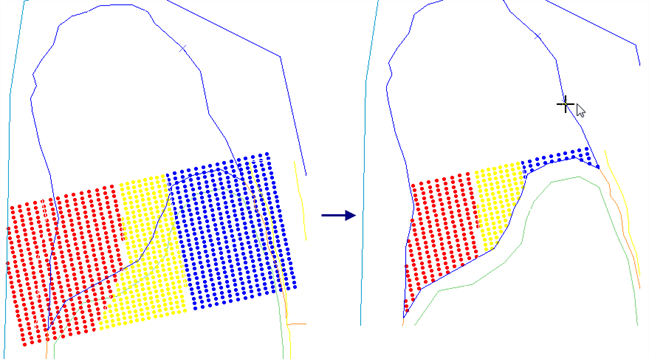
You can use this function to clip a blast pattern to a boundary.
Prerequisites: A blast pattern, and a string that represents the boundary, is displayed in Graphics.
To run this function: Choose Design > Blast design > Delete > Outside boundary, or...
You are prompted to select a boundary string.
Output
The blast pattern in Graphics is clipped to the boundary string.