


The Status Bar
The Status bar shows:
- cursor coordinates (Y, X, and Z)
- design string number
- design gradient
- state of Plane mode (if a section has been created)
- view bearing and dip
- name of the geologic or survey database currently open
- name of the block model currently open
- value of the current section
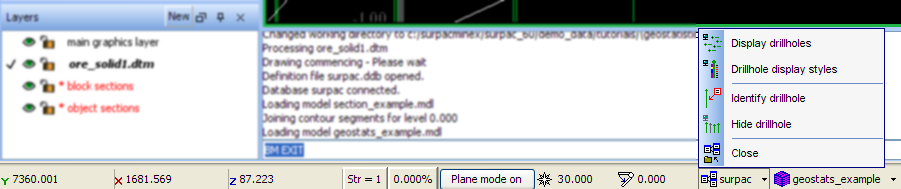
You can perform some of the more common functions associated with any currently loaded database or block model by clicking the name of the database or block model.