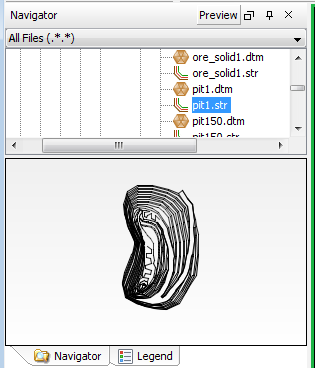
Preview pane
The Preview pane displays an image of a string file.
To display a string file in the Preview Pane:
- Click the Preview button at the top of the Navigator.
- Click a string file in the Navigator.
- Click and drag in the Preview pane to rotate the data.