


Legend
The Legend displays the string and triangle display settings, and allows you to modify these display properties.
Click the Legend tab at the bottom of the Navigator pane to display the Legend.
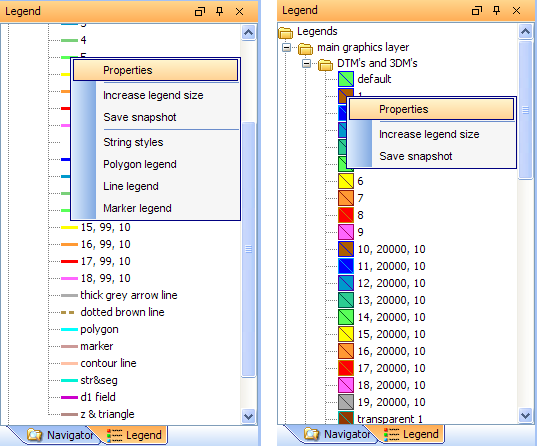
String operations
|
To: |
Right-click a string item, and then select: |
|---|---|
| Change string display options |
|
| Increase font size | Increase legend size |
| Save an image of the legend | Save snapshot |
| Display the legend as polygons | Polygon legend |
| Display the legend as lines | Line legend |
| Display the legend as markers | Marker legend |
DTM operations
|
To: |
Right-click a DTM item, and then select: |
|---|---|
| Change DTM display options |
|
| Increase font size | Increase legend size |
| Save an image of the legend | Save snapshot |