Stack sections for plotting
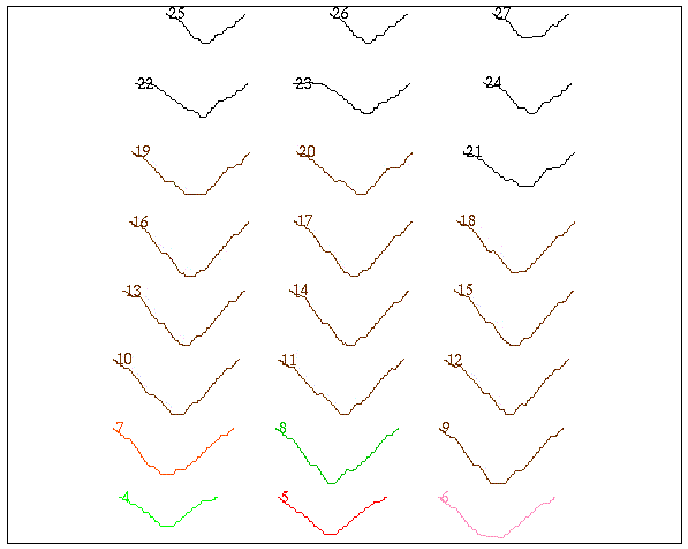
This function is used to plot a range of sections on the one sheet of paper. Stack Sections For Plotting will alter the Y and X coordinates so that each section occupies a separate space on the sheet.
To run this function: Choose Surfaces > DTM file functions > Stack sections for plotting, or...
Location, Id
Enter the Location and Id of the files of sections created in End Area Volumes.
Complete the STACK UP SECTIONS FOR PLOTTING form and choose Apply to display the STACK SECTIONS FOR PLOTTING form.
Max Section Width
Max Section Height
The maximum width section and the maximum height section in the file is displayed.
Output Location, Output Id
Enter the Location and Id of the output stacked sections.
Number of Columns per Sheet
The number of columns of input determine the extent of stacking.
Result
A typical set of stacked sections is shown below.